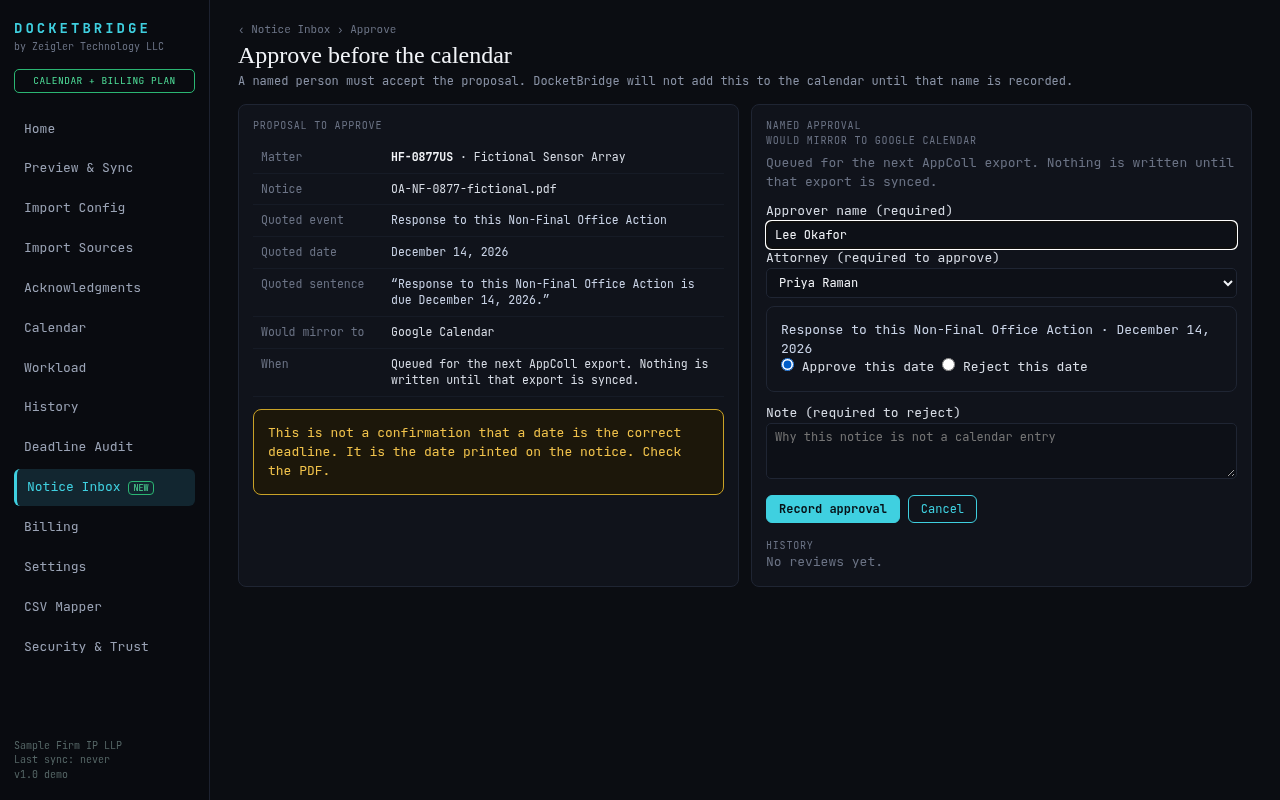
Every feature follows one rule: show the source, never invent a date, and let a person decide.


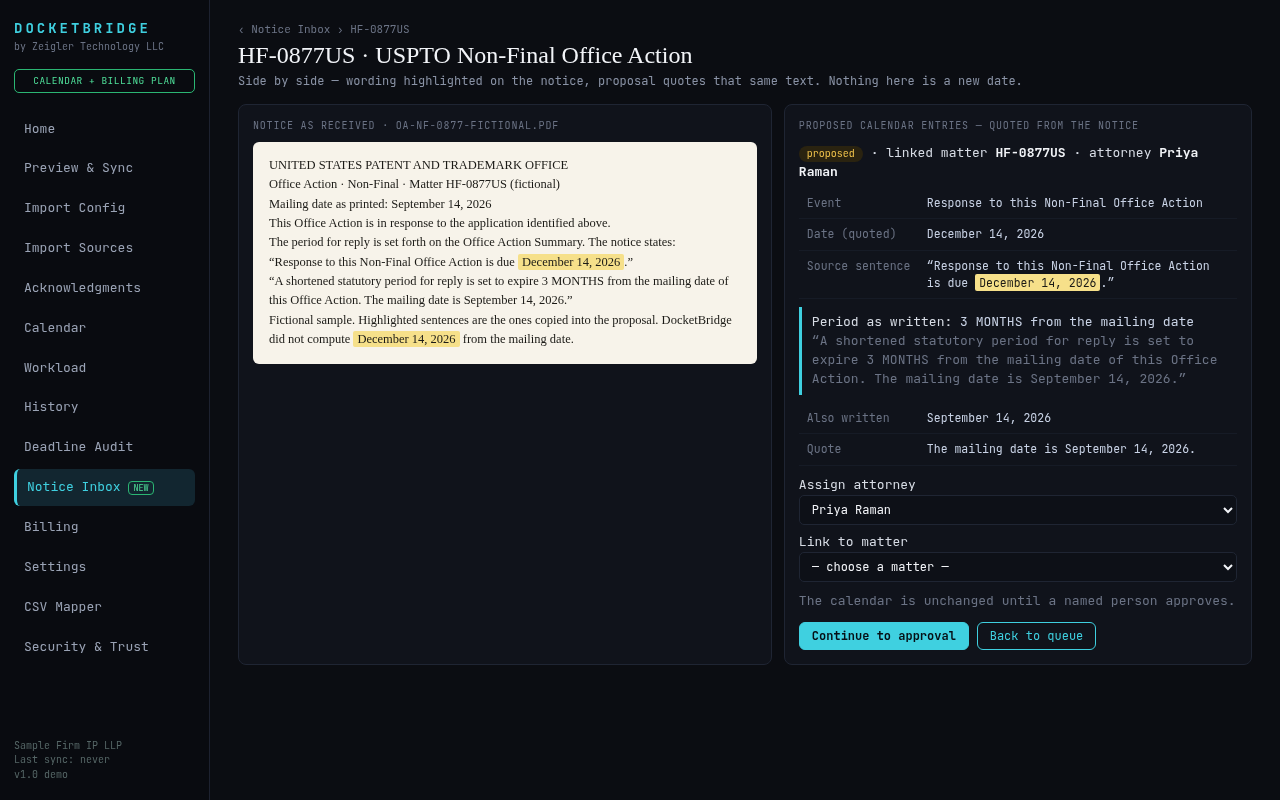
Repeated wording is grouped on one card, but every copy still gets its own decision. Rejecting a deadline that's already on the calendar shows a warning — the event is never deleted automatically.


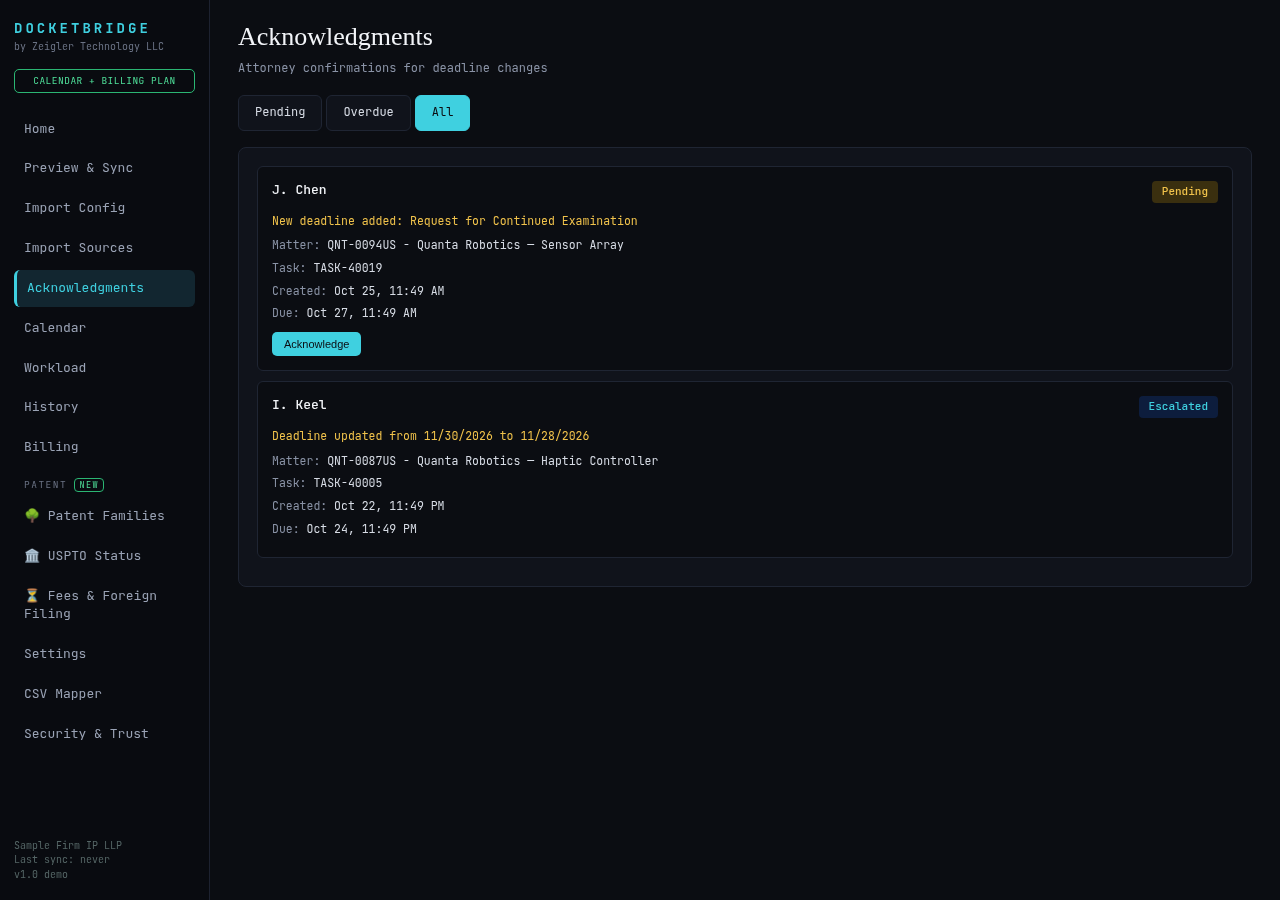
New and changed deadlines go to the responsible attorney to acknowledge. Items left unconfirmed past their due time are marked escalated.

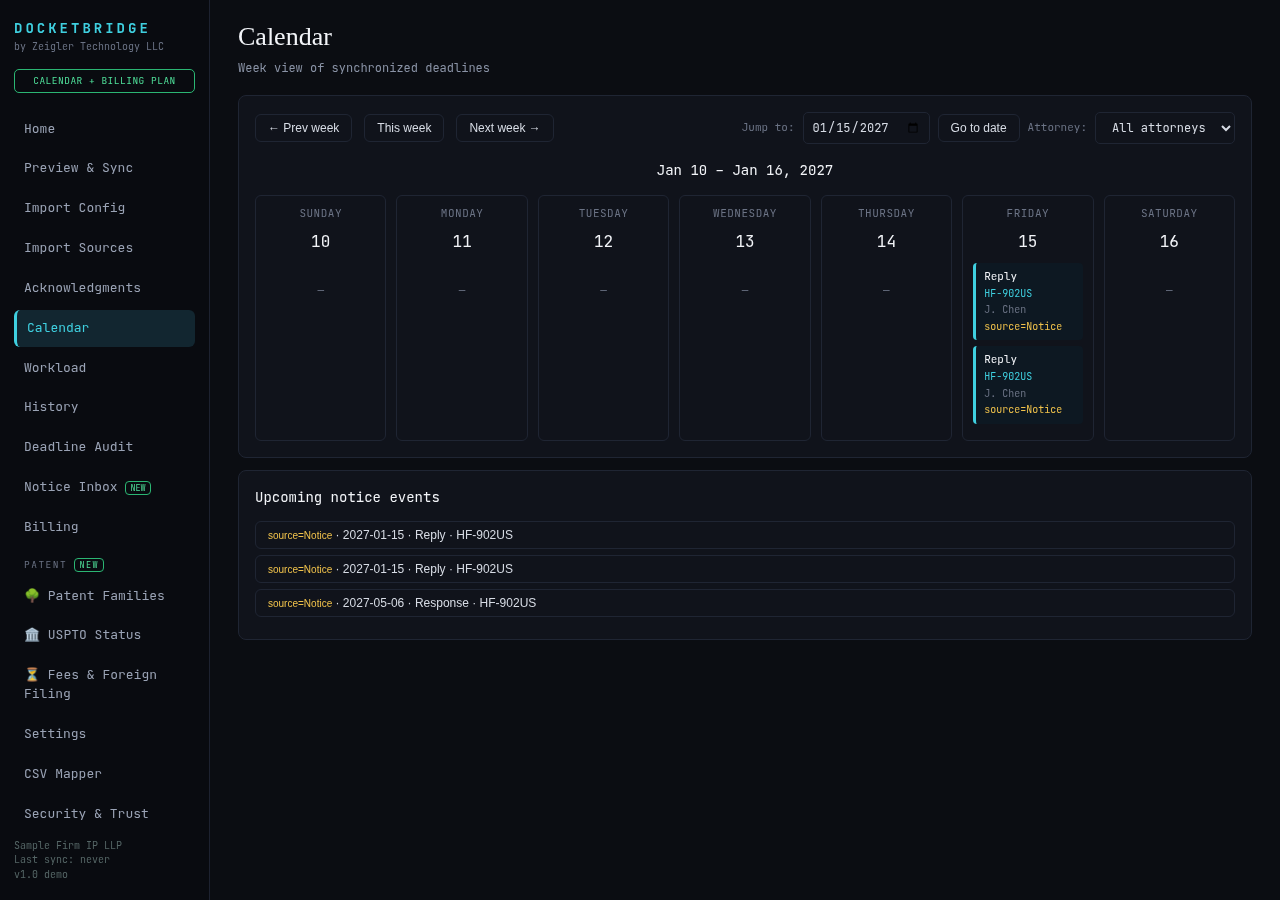
On screen and by email: overdue, due today and this week, notices to review, and sync alerts. Dates appear only in the plain list, copied from the docket.
Drafts use only approved docket entries, with dates in their exact source wording. Copy unlocks only after a named attorney approves. Never sent automatically.
Add to either plan. Same rule: dates are copied as written, never calculated.

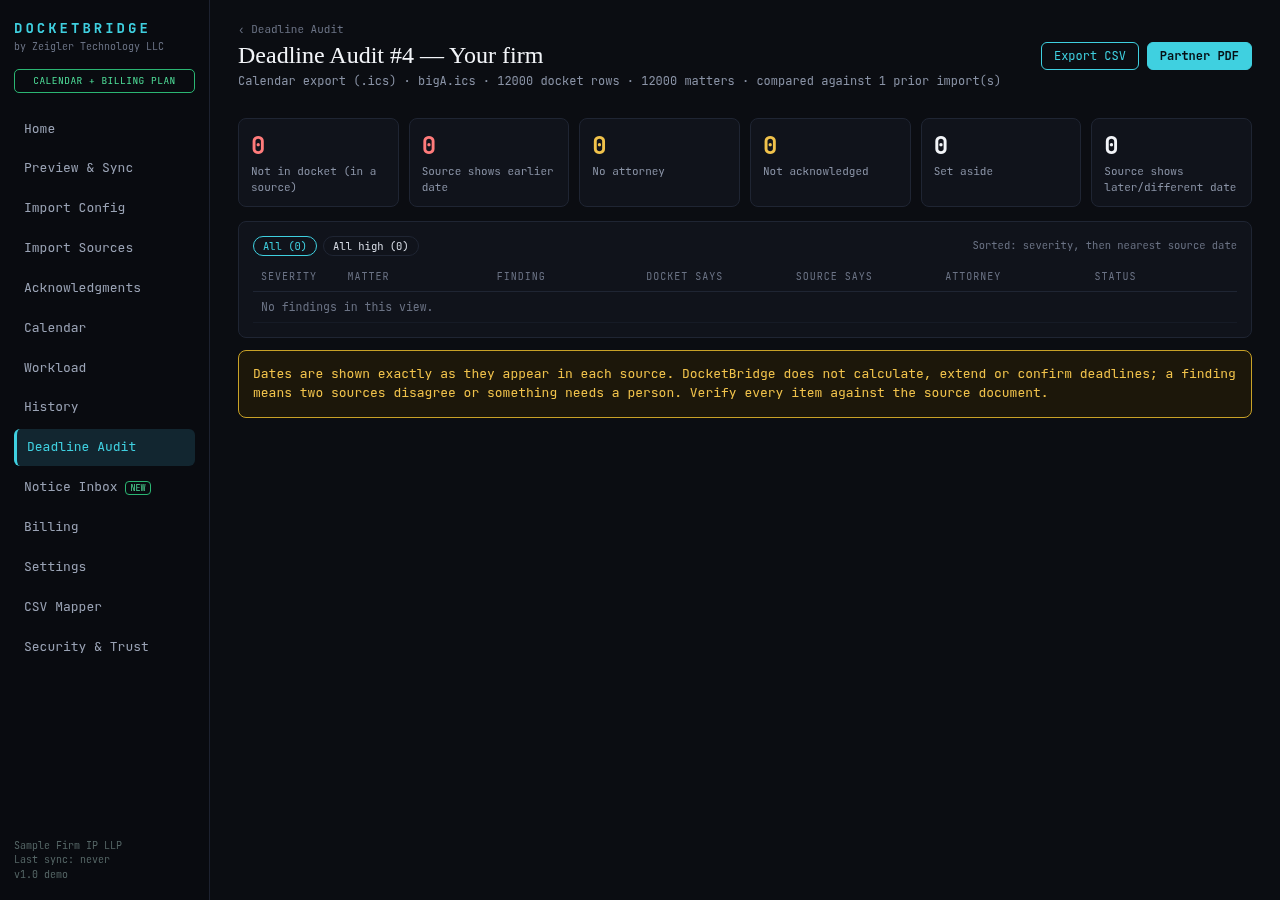
Send us a docketing export. We'll run a Deadline Audit and walk you through the findings — free.